Distance is common
One home for the gathering they cannot travel to
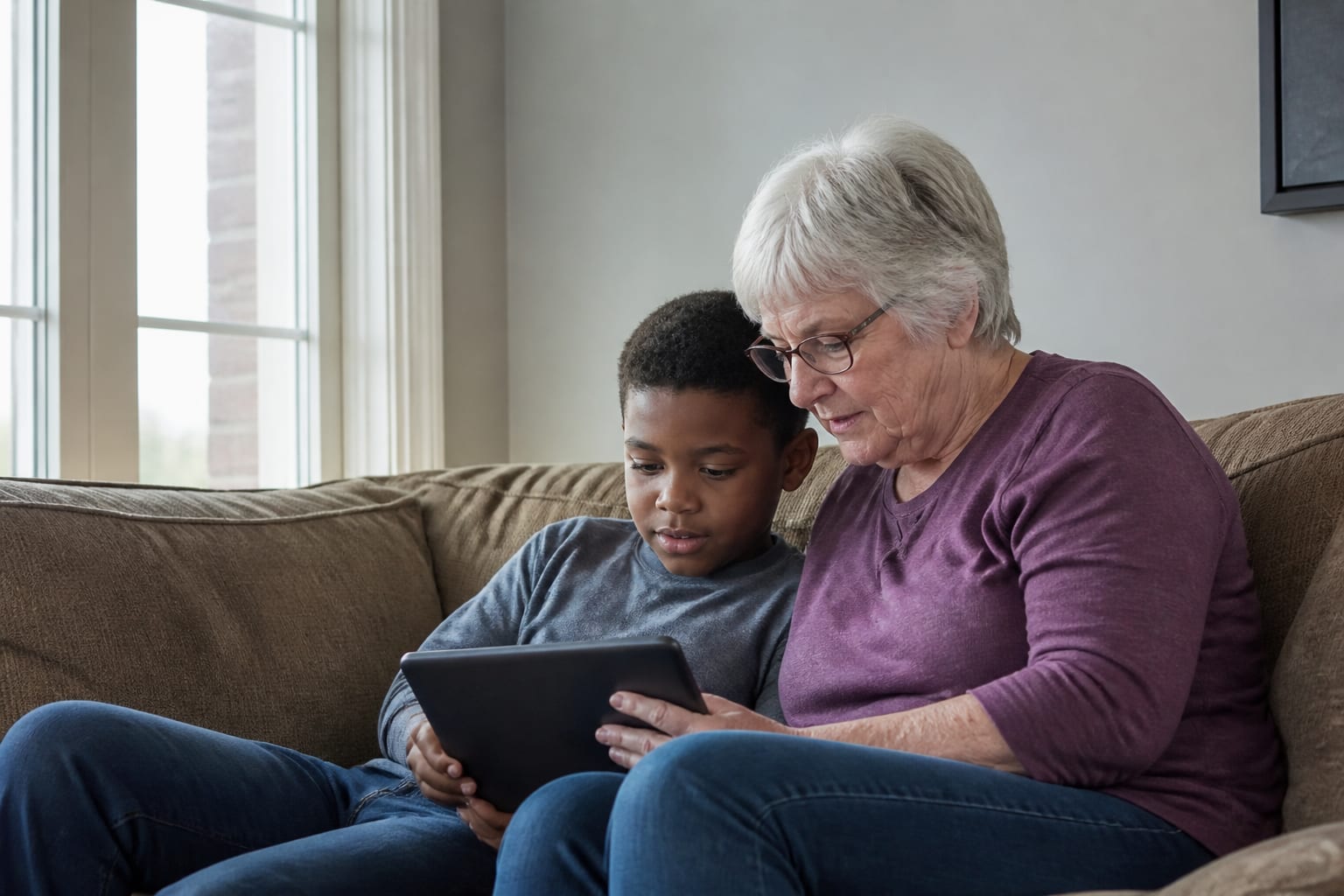
Family often lives across cities and countries. The service happens in one room; the people who loved them are in many.
On Timeless, someone hosting the memorial can go live from their phone. Family opens the gathering and watches there. You can still paste a Zoom, Meet or other https link if that is the gathering you already planned.
How it works
Step 1
Add a gathering
Choose Live on this memorial, or add the Zoom, Meet or other link you already have.
Step 2
Share the memorial
Send the same memorial link you already use for details and tributes.
Step 3
People watch or join
When you go live, family watches on the memorial. A meeting link still opens with Join live.
What this is—and is not
Watch on the memorial
When you go live, the picture plays on the gathering. People do not leave for another app. The picture may be a few seconds behind.
A recording stays
When you end, a recording appears on the memorial when it is ready. You can watch again.
Zoom and Meet still work
If you already have a meeting link, add it. Join live opens that link in a new tab. This does not replace the tools you already trust.
See how it looks
Before you share the link
A few calm answers families often want next.
A phone is enough
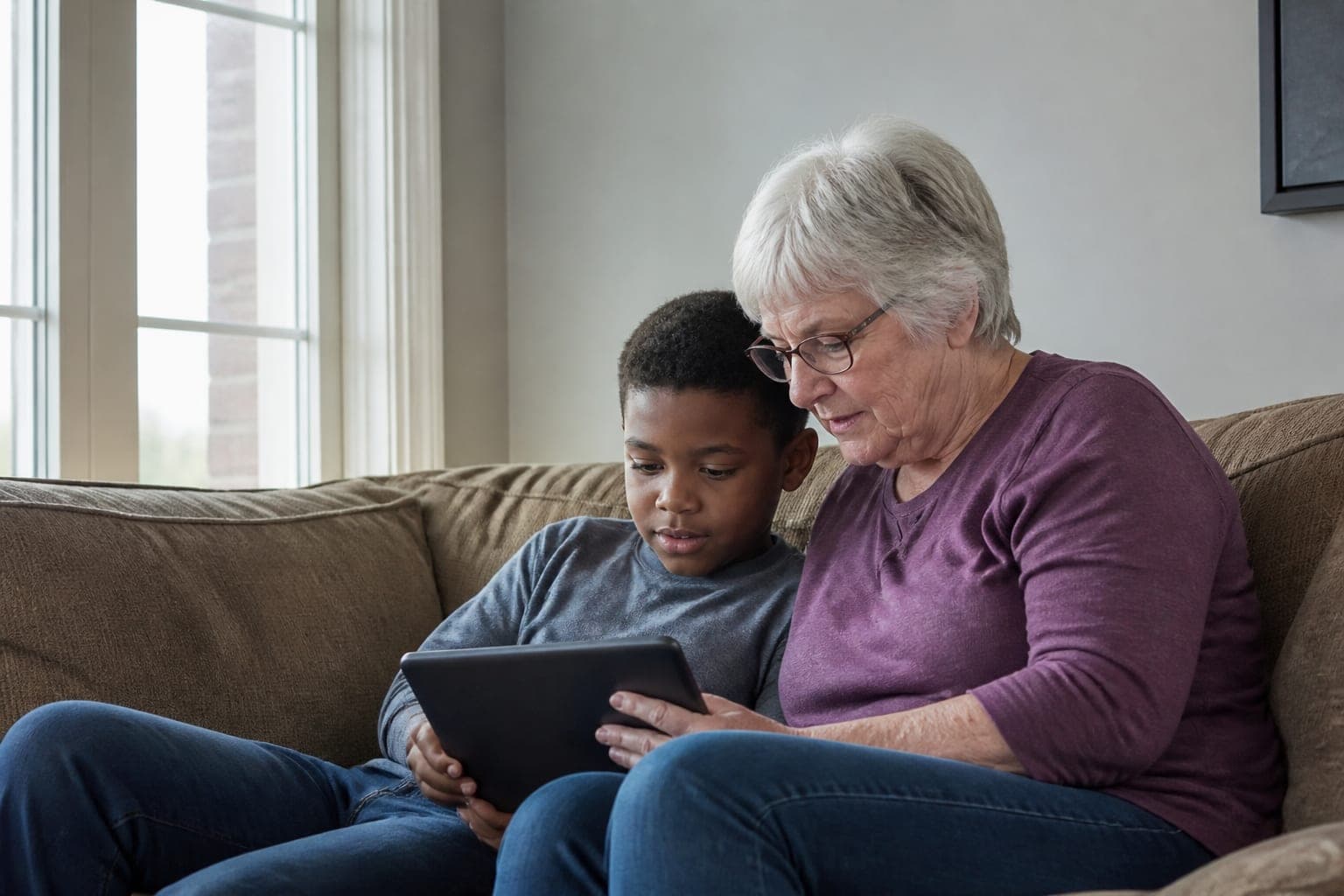
Someone hosting the memorial can go live from their phone or browser. Guests only need the memorial link to watch.
You choose who finds it
Keep the memorial close to family, or open it more widely. The gathering lives with the same link you already share for details and tributes.
Begin when you are ready
A name is enough to start. Add Live on this memorial — or a Zoom or Meet link — when the time comes.
Questions families ask
- Does Timeless host the livestream?
- Yes, when you choose Live on this memorial. A host goes live from their phone; family watches on the gathering. You can still add a Zoom, Meet or other link instead.
- Can people talk back, as if it were a call?
- No. Live on the memorial is a gathering people watch. If you need everyone on the same call, add a Zoom or Meet link.
- Can people watch a recording later?
- When you go live on Timeless, a recording appears on the memorial when it is ready. You can watch again. If you used Zoom or Meet, any recording stays with that provider.
- Which option should I choose?
- Choose Live on this memorial if you want family to watch here, from a phone. Choose a meeting link if you already have Zoom, Meet or another service set up.
- Who can go live?
- Someone who helps host the memorial—an owner or admin—from their phone or browser.
Related ways Timeless helps
Each page focuses on one family need.
Begin a memorial
A name is enough to begin. Add a live gathering when you are ready.